- Published on
NameCrane: $75 Lifetime Email Service with 15 Domains + Unlimited Aliases + 250GB Storage
- Authors

- Name
- Johnson Chang
NameCrane is an independent brand under BuyVM that specializes in domain registration and email services. I recently came across their lifetime email service that costs just $75, which is incredibly competitive pricing-wise. If you're in the market for a reliable yet budget-friendly domain email solution, NameCrane is definitely worth checking out.

Signing Up for NameCrane
NameCrane doesn't support direct registration - you need to purchase a service first to complete the registration process.
NameCrane domain email purchase link: https://namecrane.com/r/276/email
During registration, keep these important points in mind:
- Avoid using VPN during registration
- Use real information for name, country, and address
- Email verification is required before you can use your account normally
What You Get with NameCrane's Email Service
NameCrane's entry-level permanent domain email service starts at just $75 and comes packed with an impressive set of features:
- 250GB permanent storage space (with FTP protocol support)
- Support for 15 main domains
- Unlimited aliases
- Unlimited email accounts per domain
- 600 emails per hour limit per domain
- Free eM Client license included
For reference, here are their other package options:

You can choose between US and European regions for your email service. I'd recommend going with the region closest to where your servers are located for the best performance. For example, if most of your setup is US-based, the US region will give you better speeds and response times.
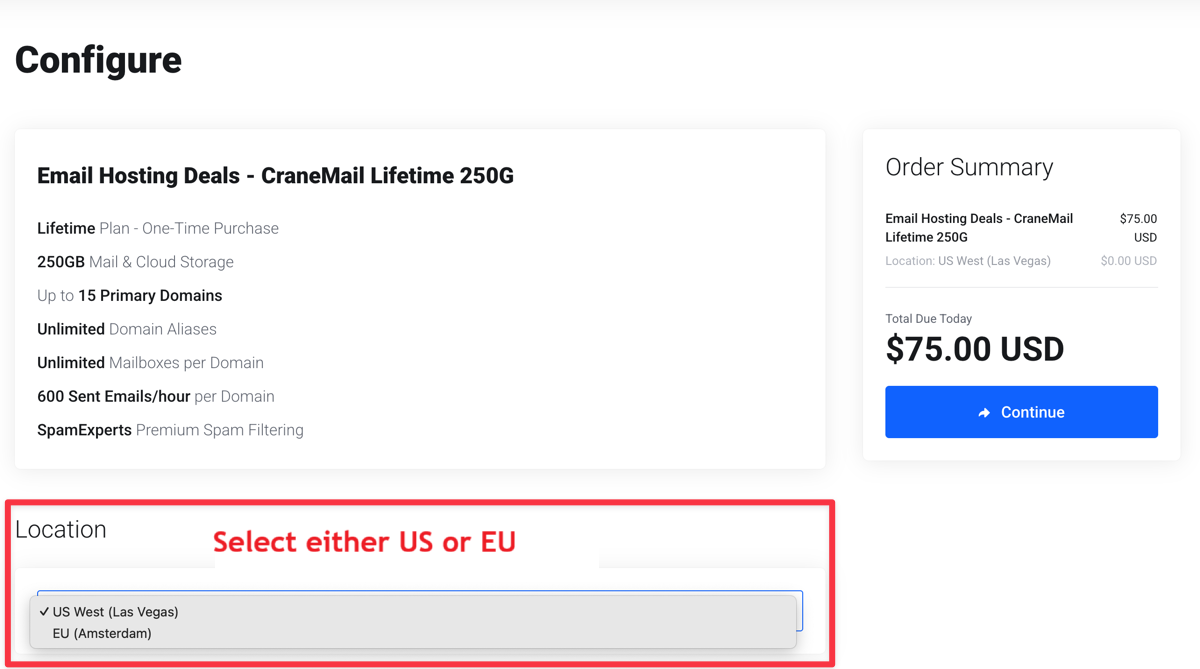
Step-by-Step Setup Guide
Let me walk you through the complete setup process. First, you'll need to add a domain to your NameCrane account. For example, I'll use johnstool.net:
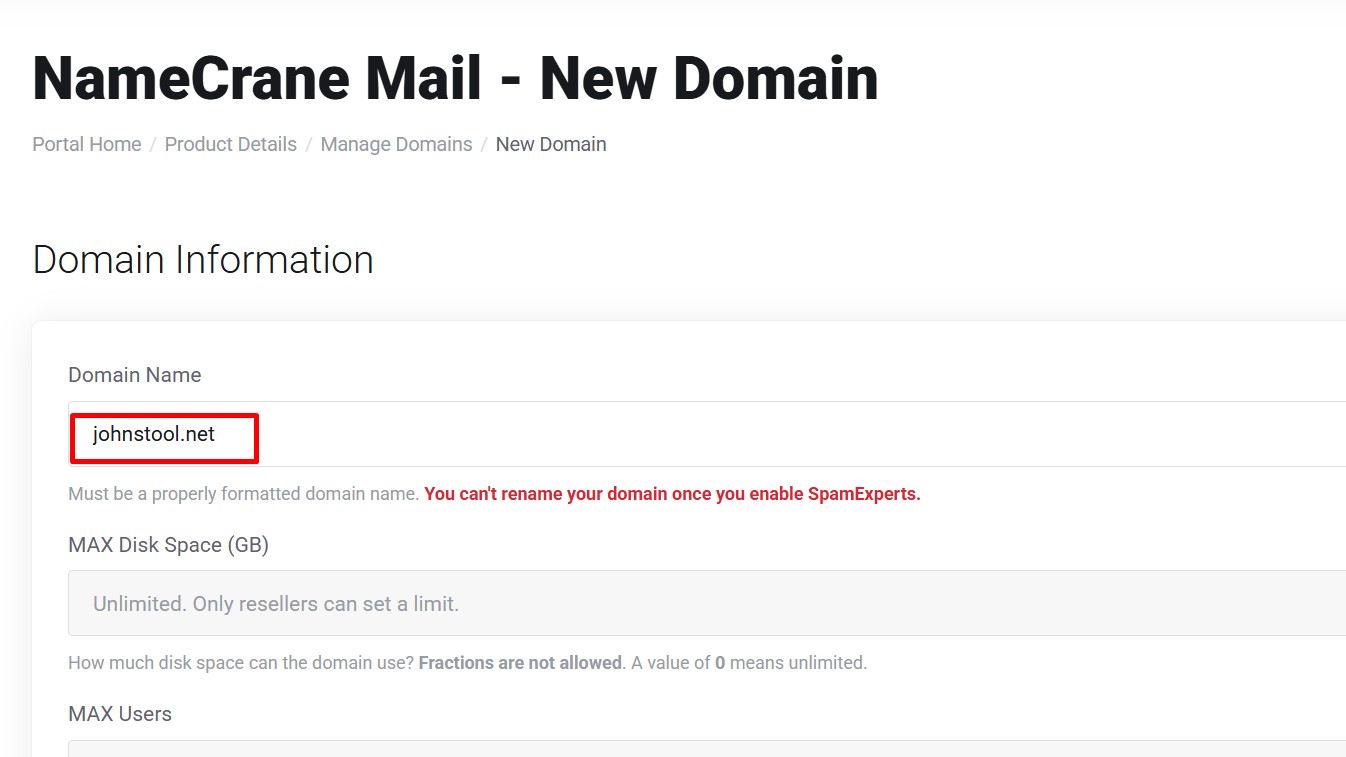
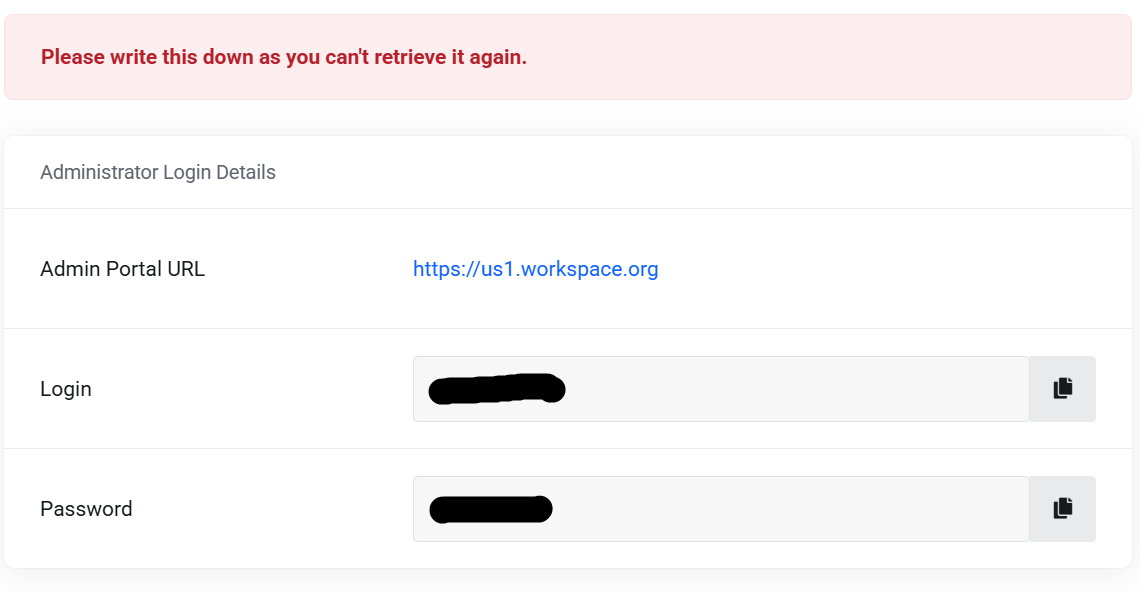
Keep the other settings as default and click Submit to proceed. After submitting, make sure to save your initial login name and password from the administrator details:
Up next, you'll need to verify your domain ownership by adding the TXT record shown below to your domain registrar's DNS settings. This step is essential - it proves you actually own the domain:
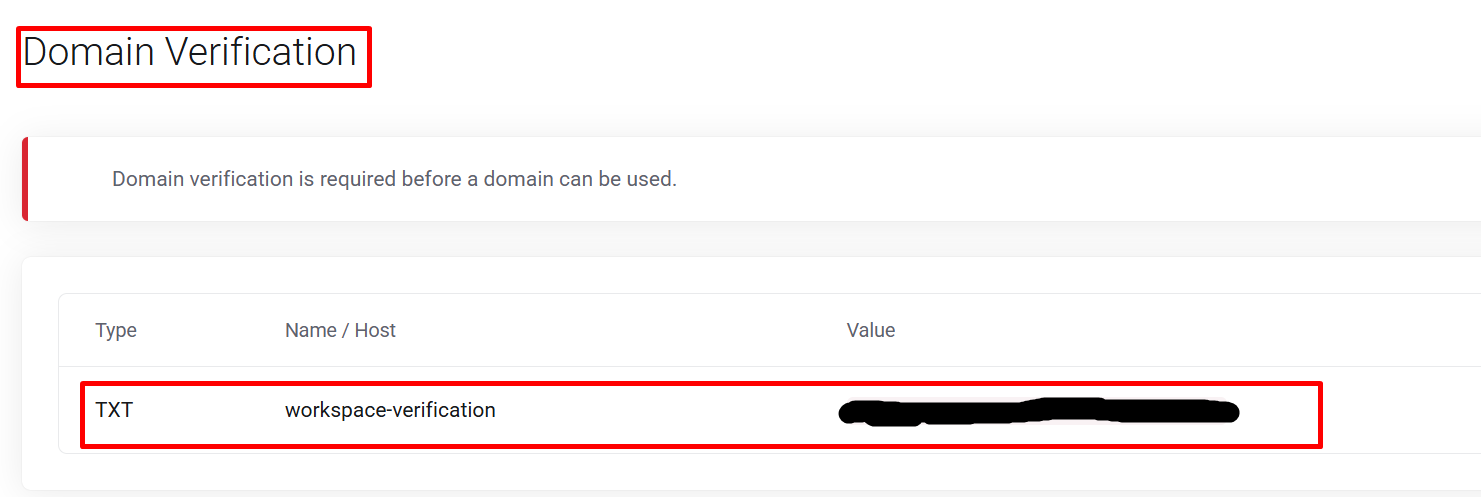
Besides the TXT record, you'll also need to add these additional records to your domain's DNS configuration. These are crucial for getting your email routing to work properly:
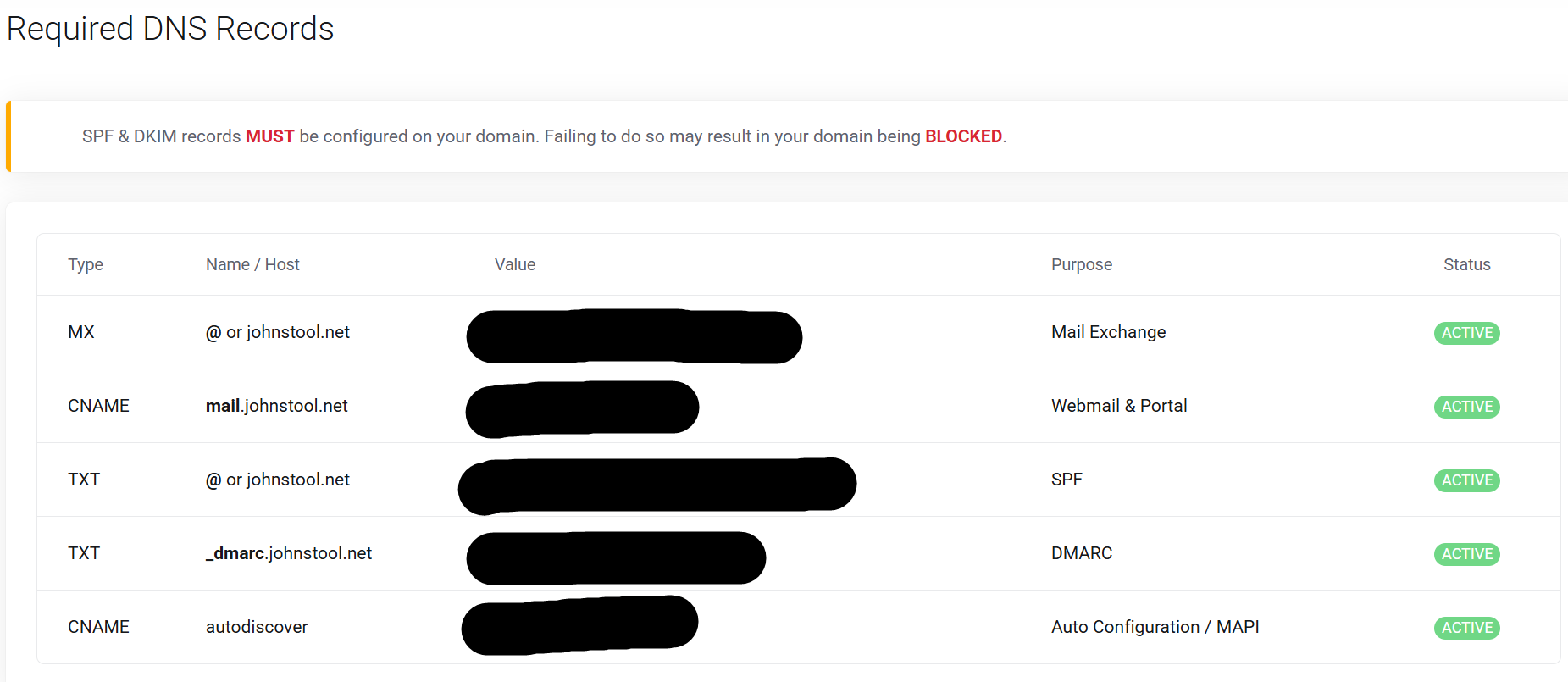
Once you've set up all the DNS records, give it about 2-3 minutes for the changes to propagate. After that, you can access your email dashboard at https://mail.yourdomain to log in. Here's my setup URL:
https://mail.johnstool.net
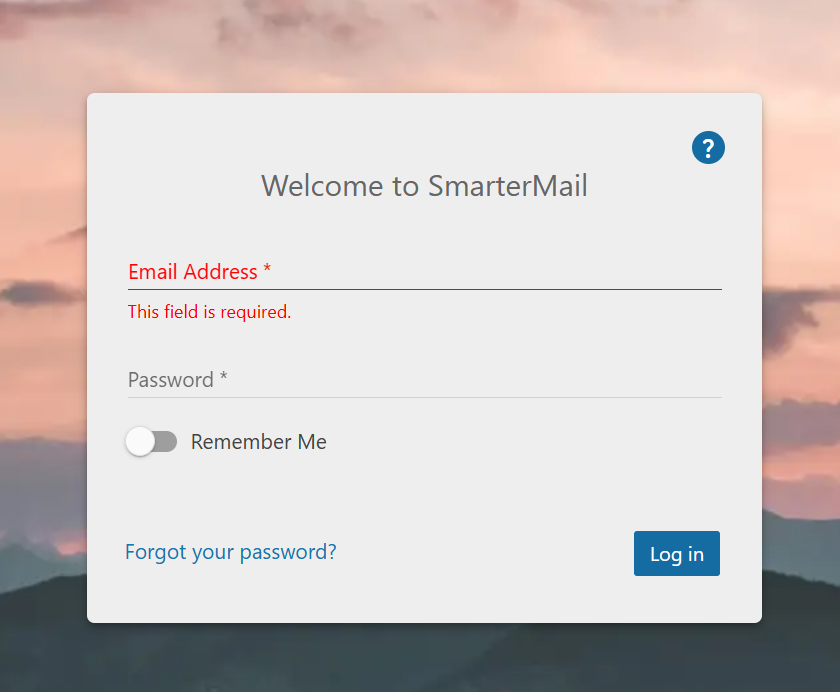
Log in with the admin credentials from your Administrator Login Details. Once you're in as admin, you can set up new email addresses. For instance, I created contact@johnstool.net. You can then use this email address to log in and start sending and receiving messages.
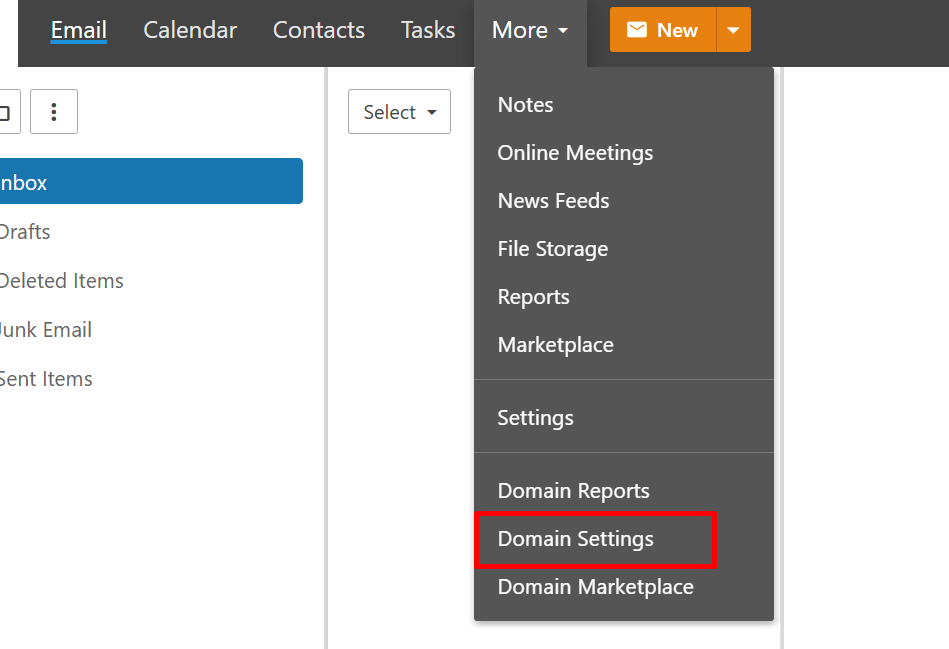

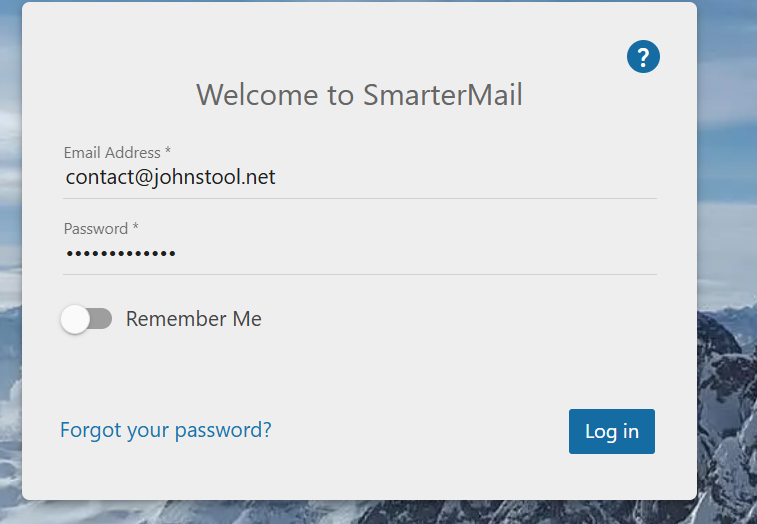
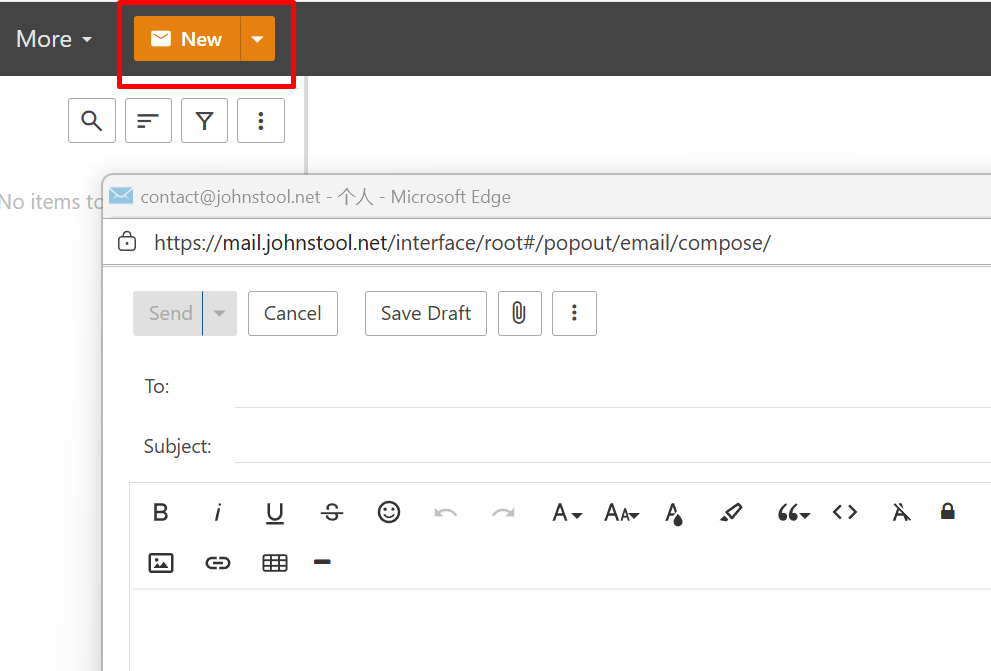
Ready to test it out? Head over to https://mail.johnstool.net and log in with your new email address (contact@johnstool.net in my case). Once you're in, just hit "New" to compose and send your first test email.
Conclusion
NameCrane's $75 permanent domain email service is seriously good value for money. You're getting 250GB of storage, unlimited aliases, and support for 15 domains - all for a one-time payment. It's perfect for anyone who wants professional email without those annoying monthly subscription fees eating into their budget.
NameCrane domain email purchase link: https://namecrane.com/r/276/email